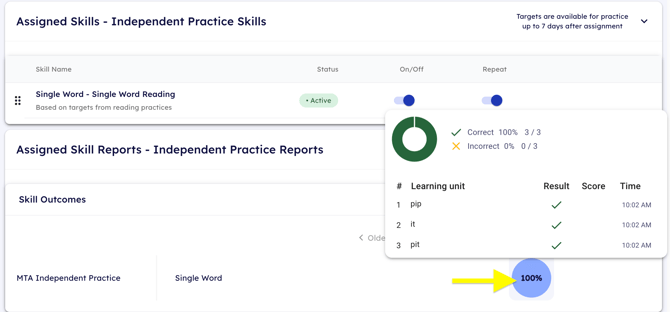
Amplio has an independent practice feature that allows students to login from their devices and complete reading practice activities without being in a session.
Independent Practice Requirements
In order for students to access independent practice activities, the student must complete at least one reading practice activity (at the word level) with you within a session.
This means that within a scheduled session, you must assign one reading practice activity (at the word level) to the student.
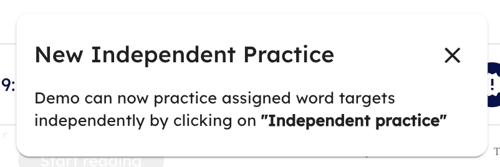
Once they have been assigned the activity appropriately, you should see a popup that confirms the independent practice has been assigned to the student's profile:
How does my student access independent practice?
A student who has independent practice assigned to their profile can access it by clicking the blue Independent practice button on the top righthand corner of their welcome screen.

Note: If your student does not see the Independent practice button on their welcome screen, it means that they do not meet the minimum requirements to have independent practice assigned.
Students can login to their welcome screen by using their unique profile login link that can be found in their student profile. Learn how to log them in with this unique profile login link.
Where can I see independent practice results?
You are able to view your student's independent practice progress in their student profile. Clicking on the scoring bubbles will show the individual words they practiced and their result.